Yes, you can play GTA 6 on Xbox. Grand Theft Auto VI launched November 19, and it’s available now on Xbox Series X|S. Still on an Xbox One? You’re in too, because the game streams through Xbox Cloud Gaming on both Xbox One and Xbox Series X|S, with streaming starting at 1 a.m. ET on launch day.
The setup takes minutes, and the main prerequisites are an Xbox console, an Xbox account, and a solid internet connection if you’re going the cloud route. Below, we cover what you need, how to stay safe, and the exact steps to get playing, plus answers to the questions we hear most from players in Canada. If you’re planning a launch-week watch party, tournament night, or a branded gaming activation, our esports event setup and high-quality broadcasting know-how will help you put the biggest game of the year on a big screen, done right.
Xbox GTA 6 at a Glance: What We Know Right Now
Here’s the quick rundown on Xbox GTA 6, and we’re sticking to what’s confirmed so you can plan with confidence.
Grand Theft Auto VI launches November 19, and it’s available now on Xbox Series X|S. If you’ve got one of those consoles, that’s your native route: install it and play.
Still on an Xbox One? You’re not left out. Xbox One players can experience GTA VI through Xbox Cloud Gaming, and so can Series X|S owners who’d rather stream than install. Streaming starts at 1 a.m. ET on November 19, 2026, so night owls and early risers, mark your clocks.
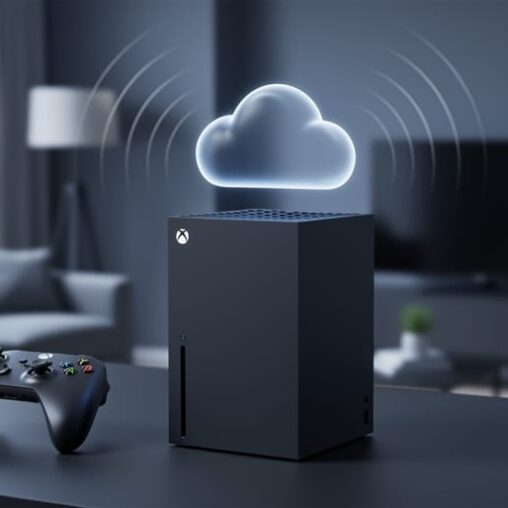
New to the term? Xbox Cloud Gaming simply means the game runs on powerful servers somewhere else, and the picture is beamed to your screen over the internet, a bit like streaming a movie. Your console or device handles the display and your controller inputs rather than doing the heavy lifting. The big perk is that you can jump in without waiting on a huge download, though a steady connection matters more than you’d think.
Here’s the verified snapshot:
– Launch date: November 19
– Native play: Xbox Series X|S
– Cloud streaming: Xbox One and Xbox Series X|S
– Cloud start time: 1 a.m. ET on November 19, 2026
One honest note for Canadian readers: the details on Canada-specific availability and any rental options haven’t been confirmed here, so don’t assume either way. Check directly with Xbox and with Canadian Game Rentals before you build your plans around them.
What You Need Before You Play GTA 6 on Xbox
Your route decides your gear. Pick the path first, then gather what’s on the list.
Route one: native play. Grand Theft Auto VI is available now on Xbox Series X|S, so owners of either console can install and play it directly. This is the route for anyone who wants the game running on their own hardware.
Route two: cloud streaming. Xbox One players can still jump in through Xbox Cloud Gaming. Streaming for Xbox One and Xbox Series X|S starts at 1 a.m. ET on November 19, 2026. Since the game runs on remote servers, your console mostly just needs to handle the stream. If you’re unsure how this differs from streaming from your own console, our breakdown of Remote Play vs Cloud will help you choose.
Whichever route you take, have these ready:
- An Xbox Series X|S for native play, or an Xbox One for cloud streaming.
- A charged controller with fresh batteries, or a wired one.
- A Microsoft account signed in on your console.
- A reliable internet connection, especially important if you’re streaming.
- Enough free time to handle updates, sign-in, and first-time setup.
A word on requirements: subscription levels, connection speeds, and storage needs can change. Rather than guessing, check the Xbox dashboard on your console for the current details before launch day. It’s the quickest way to confirm your account and setup are good to go, so you’re playing instead of troubleshooting when the clock hits go time.
Smart Setup Tips Before You Start Streaming or Installing
Launch week is exciting, and a little prep keeps it that way. Before you install or stream, run through these quick checks.
Start with where you buy. Stick to official Xbox channels for your purchase so the game ties cleanly to your Microsoft account. Deals that look too good to be true usually are, whether that’s a cheap key from a stranger or a “shared account” offer.
Next, get comfortable. A big open-world game invites marathon sessions, so set up a seat with good back support, keep water nearby, and step away every hour or so. Your eyes, hands, and focus will thank you.
Then know your stop conditions. If your stream turns laggy, stutters, or keeps disconnecting, pause instead of pushing through a frustrating session. Restart your router, move closer to it or switch to a wired connection if you can, and close other bandwidth-hungry devices. If problems keep repeating, step away and try again later rather than forcing it. Playing smart beats playing stressed.
How to Start Playing GTA 6 on Xbox: Step by Step
Ready to jump in? Here’s the quickest path from “I want to play” to controller in hand. Don’t worry if you’re new to all this, each step is simple.
- Check your Xbox model. Look at the front or back of your console. If it’s an Xbox Series X or Series S, you can play GTA 6 natively. If it’s an Xbox One, you’ll stream it instead.
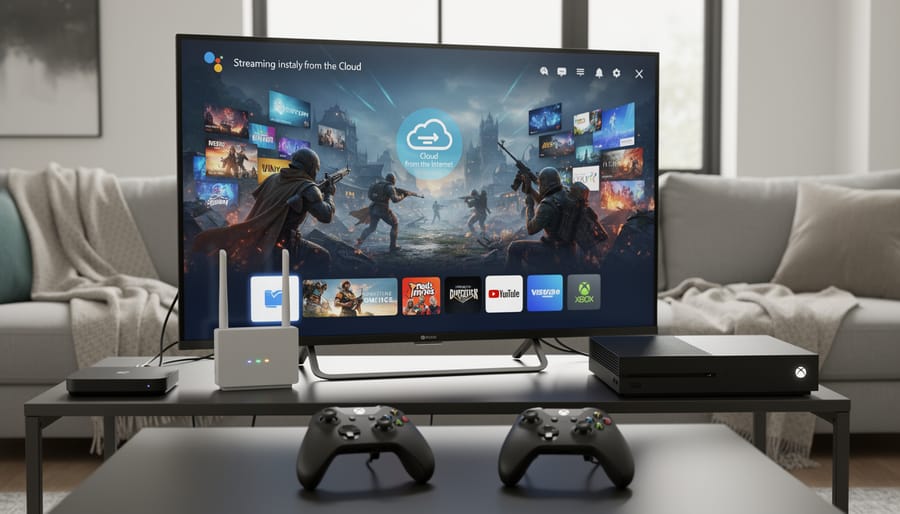
- Choose your route. Series X|S owners can play the game directly on the console. Xbox One players (and anyone who prefers it) can go with Xbox Cloud Gaming, where the game runs on remote servers and gets beamed to your screen.
- Confirm the streaming window. Cloud play begins at 1 a.m. Eastern on November 19, 2026. Canadian players should convert that to their own time zone so they’re ready right on time.
- Sign in. Log in with your Microsoft account on your console so your profile and purchases are ready to go.
- Find the game. Search for Grand Theft Auto VI in the Xbox store or your library. Stick to official Xbox channels.
- Start playing. Launch it from your console. If you’re streaming, give it a moment to connect before you jump in.
New to cloud play? Think of it like streaming a movie, except the movie responds to your controller. A steady connection matters more here than raw console power. If you want a feel for how it works before launch day, our guide to Cloud gaming in Canada walks through the experience using another popular title.
One small tip: do your sign-in and any account checks ahead of time rather than at the last minute. Nothing kills launch-night hype like hunting for a forgotten password while everyone else is already cruising through Vice City.
Try Before You Commit: Renting Games and Testing the Xbox Experience
Trying a big game before you buy it is one of the smartest moves a player can make, and that’s where Canadian Game Rentals comes in. Our Xbox consoles and vast game library are built for hands-on time, so you can see how a title feels with a controller in your hands before you commit.
Now for the honest part: we haven’t confirmed rental trial options for GTA 6 here. Availability can change fast around a launch, so contact us directly and ask what’s on the shelf. We’d rather give you a straight answer than a hype-fueled promise.
Planning something bigger than a solo session? A GTA 6 watch party, campus event, or corporate gaming day is where our event experience pays off. We’ve set up esports events and know how to make them run smoothly, with high-quality broadcasting features like live tickers and facial cams that give a room the energy of a real tournament. If you’re curious about what goes into a live streaming setup that guide breaks down the equipment that actually works. And for a closer look at how pro-level gaming event broadcasting can transform your crowd’s experience, it’s worth a read.
Whether you want to test the Xbox experience yourself or put on a show for a whole group, reach out and tell us what you’re planning. We’ll point you toward what’s possible.
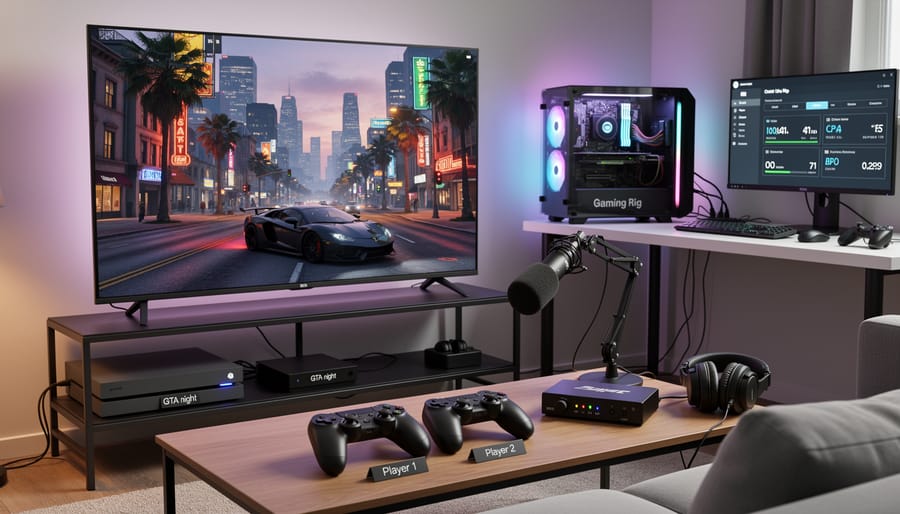
Checking That Everything Works and What to Do Next
You’re in the game, but is everything running the way it should? Run a quick check. Confirm you signed in to your Microsoft account without errors. Make sure your controller responds instantly to every input. Then watch the first few minutes of play: you want smooth motion, steady audio, and no stuttering or freezing.
If something feels off on a stream, pause and check your internet connection first, then restart the app and try again. On a console, a quick restart often clears up hiccups. If a problem keeps coming back, stop and troubleshoot before you settle in for a long session.
Once you’re running smoothly, think bigger. Set up a group session with friends, or host a viewing event. If you want Xbox consoles or an event-ready broadcast setup, reach out to Canadian Game Rentals and ask what’s available.
Xbox GTA 6 FAQs for Canadian Players
Is GTA 6 on Xbox?
Yes. Grand Theft Auto VI launched November 19 and is available now on Xbox Series X|S.
Can I play GTA 6 on Xbox One?
Yes, through Xbox Cloud Gaming. Xbox One players can stream it instead of installing it.
What time does GTA 6 start streaming on Xbox Cloud Gaming?
Streaming began at 1 a.m. Eastern on November 19, 2026, on Xbox One and Xbox Series X|S.
Can I try GTA 6 before buying?
We can’t confirm any rental trial for GTA 6 here. Reach out to Canadian Game Rentals directly and ask what’s currently available.
Still have a question we didn’t cover? Ask before you buy, because a quick message can save you the guesswork.
GTA 6 has landed, and you’ve got two clear ways in: native play on Xbox Series X|S, or cloud streaming on Xbox One and Series X|S. A little prep goes a long way toward a smooth launch week. Ready to level up? Reach out to Canadian Game Rentals for Xbox consoles, deep game libraries, and event-ready broadcast setups.